VOCAL MULTI-Effects



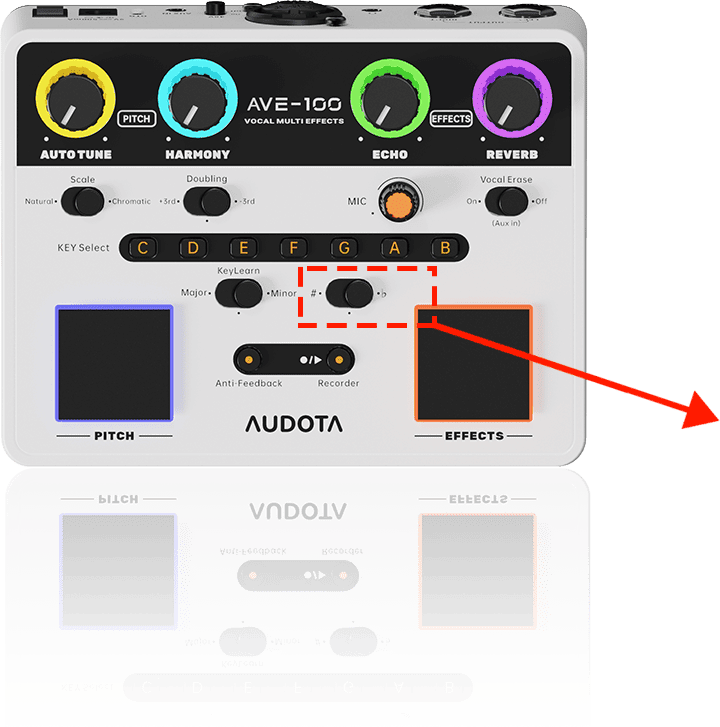
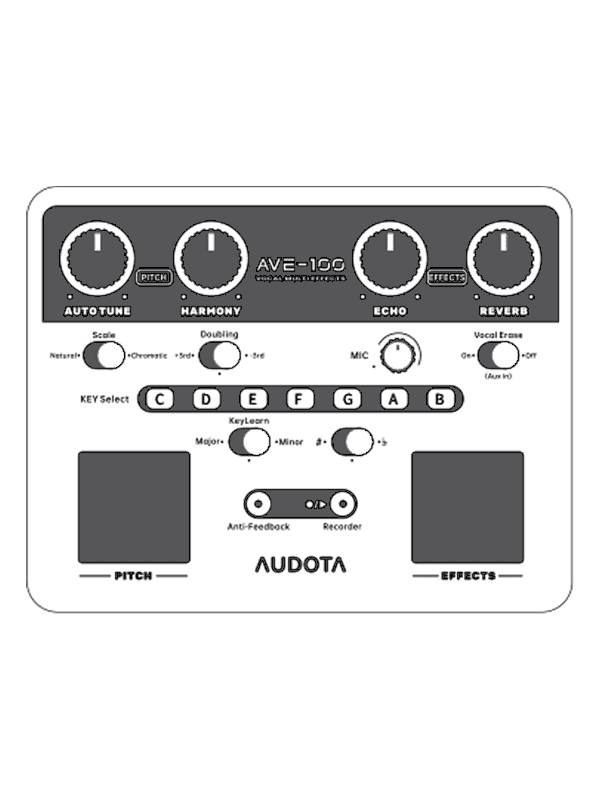
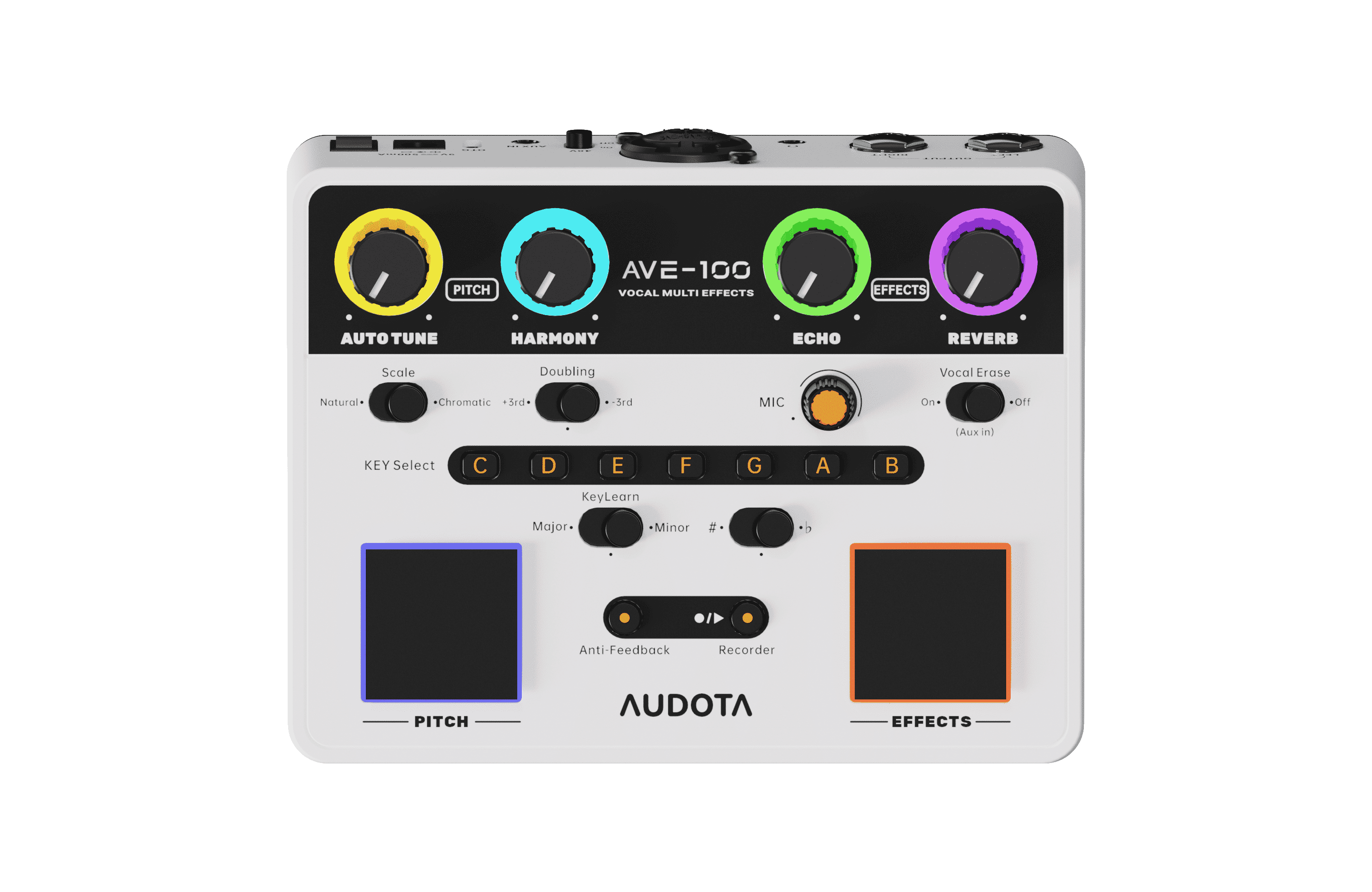
Detects song key from backing track audio, quickly solve the issue of checking the key of song.
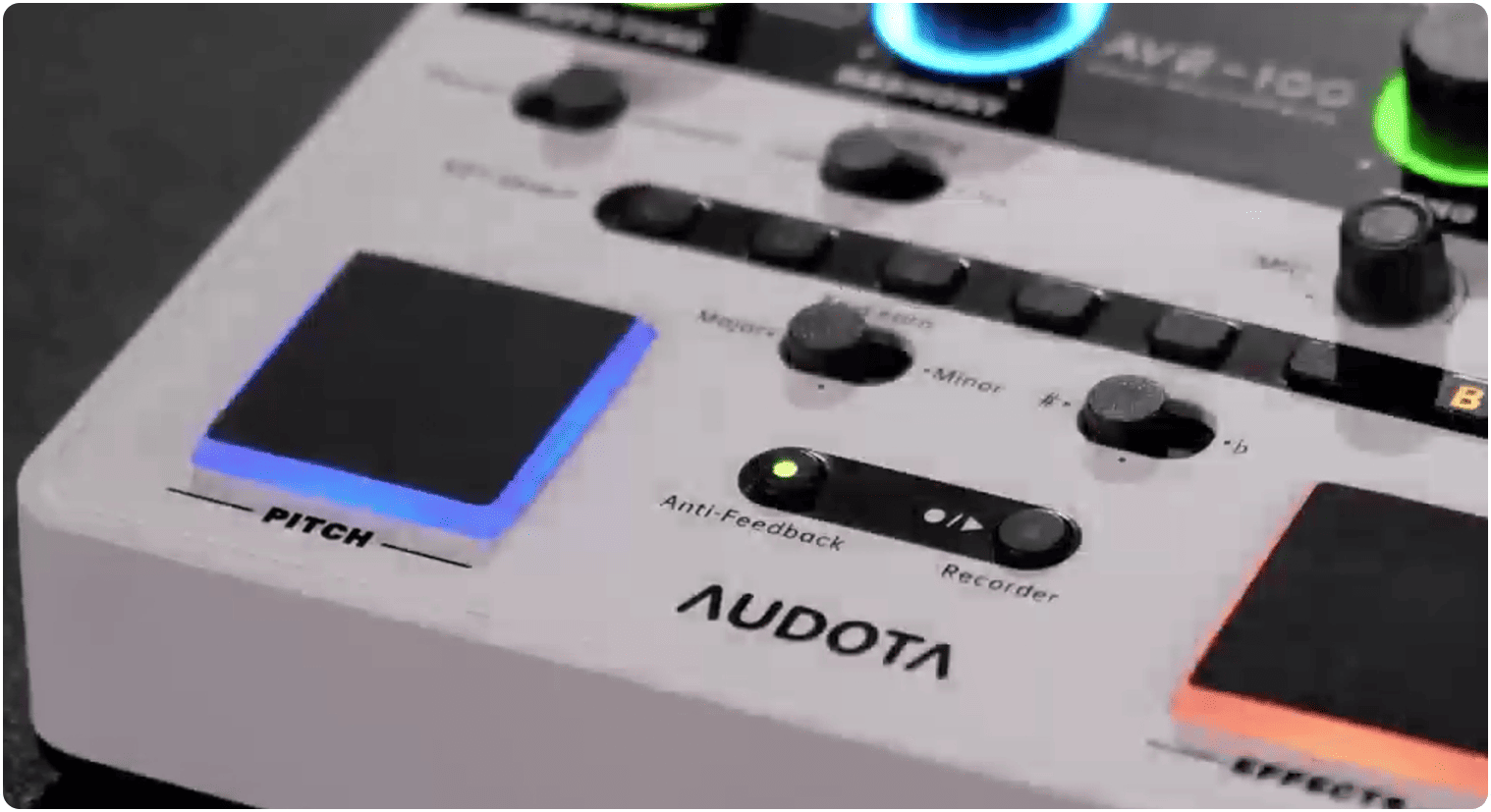
LED Indicator
Key Indicating
Orange = Major
Blue = Minor
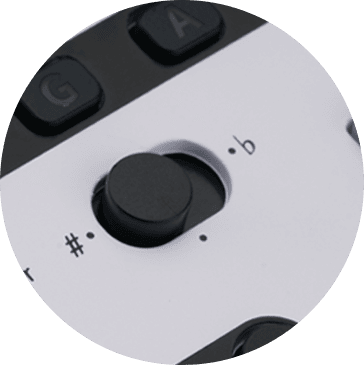
Sharp/Flat Indicating:
Two adjacent buttons lit =Sharp/Flat (e.g., C/D blue =C#/Db Minor)
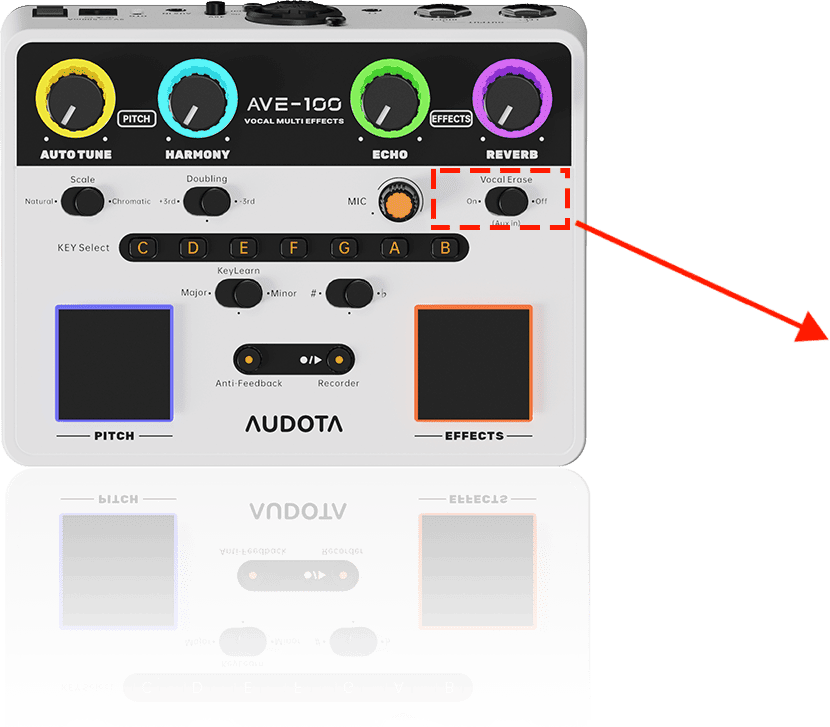
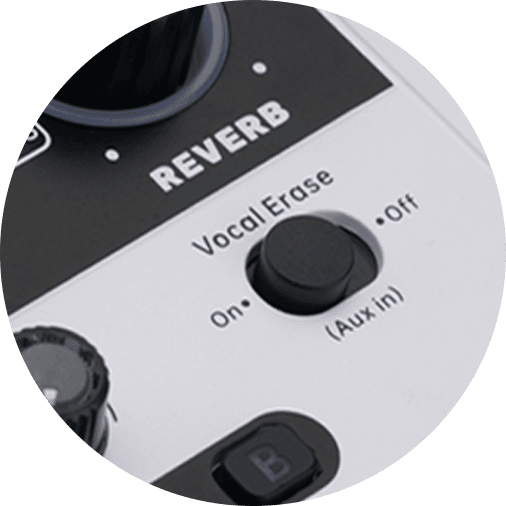
Removes vocals from music for simple accompaniment playback
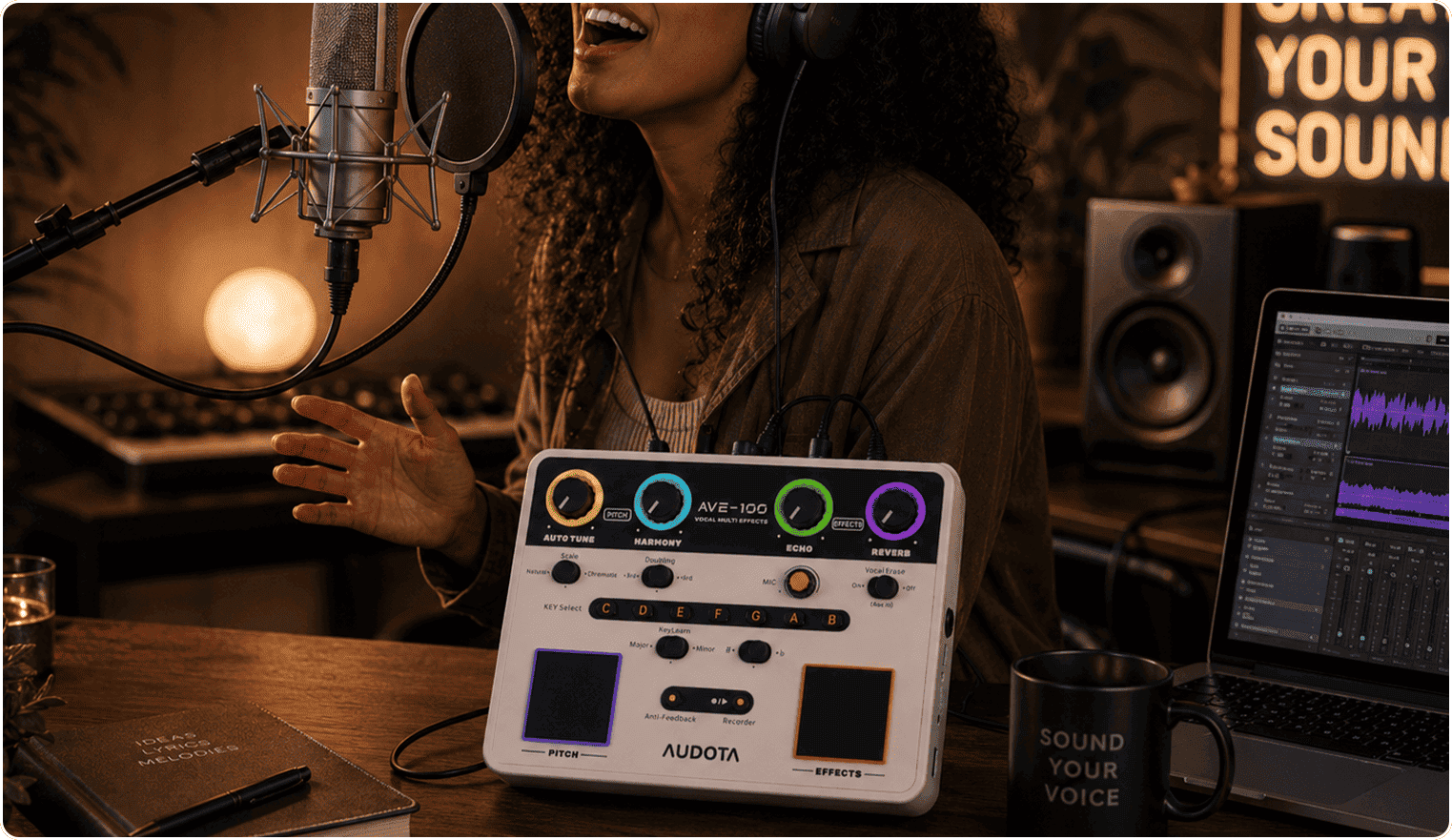
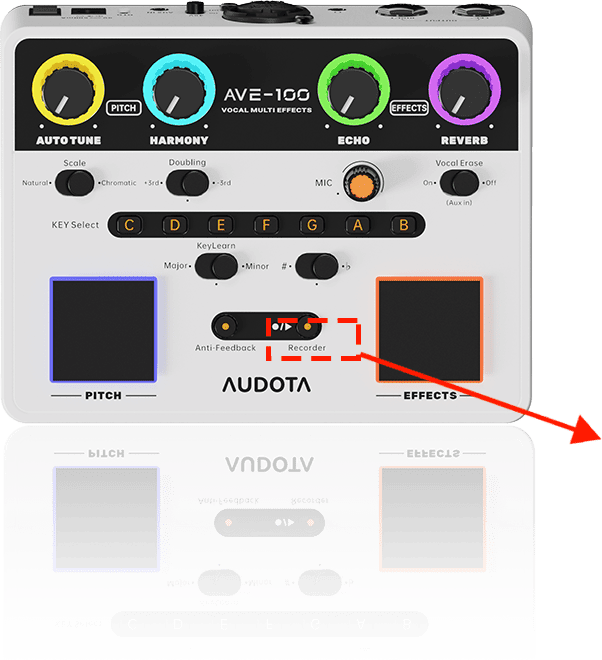
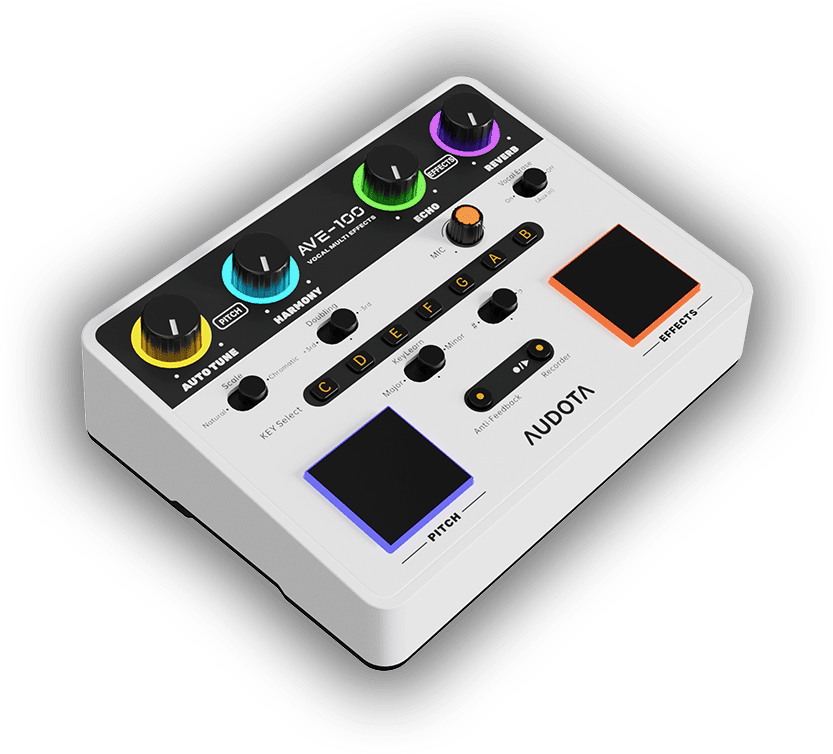
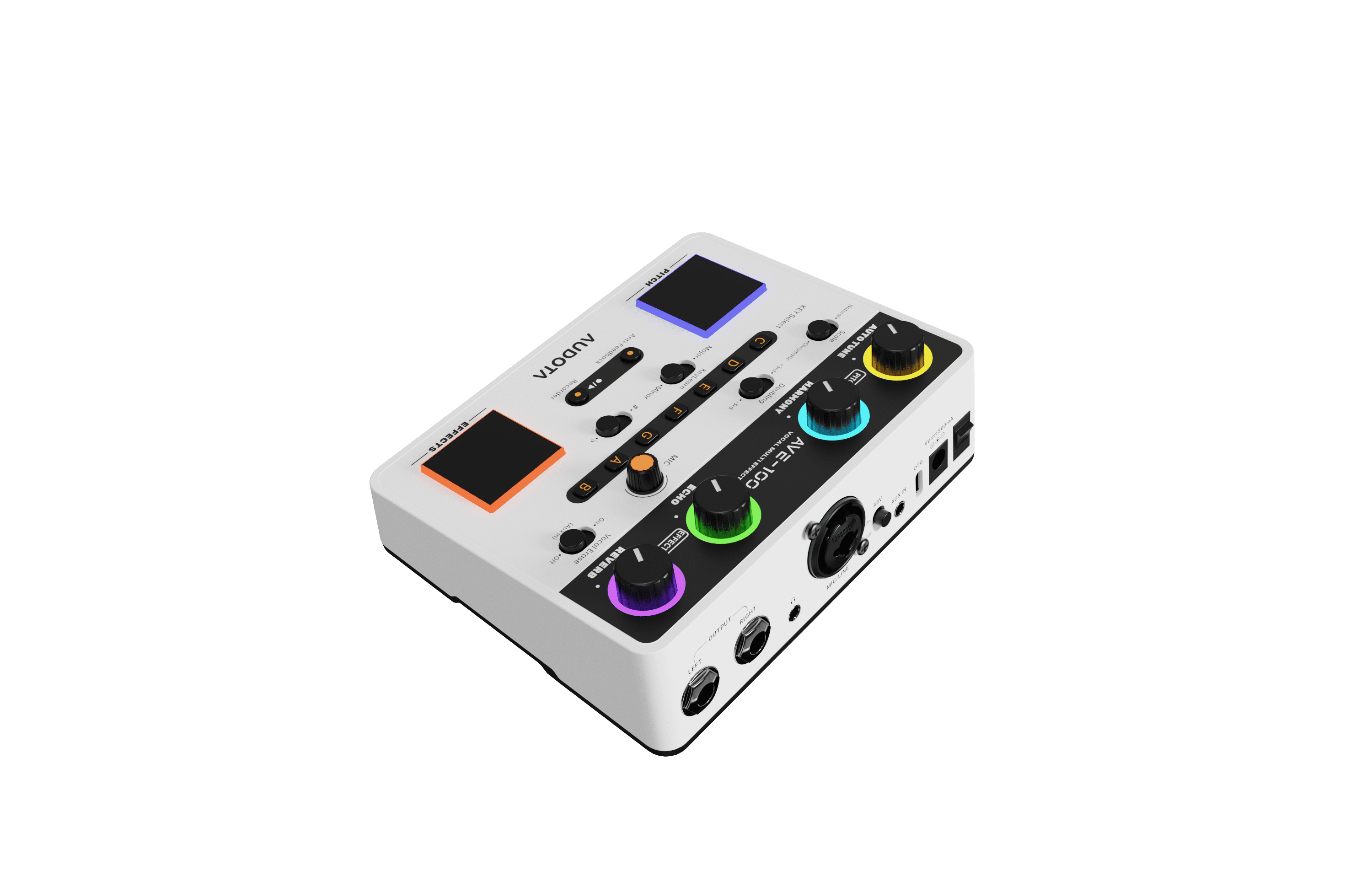
●Combines pitch correction, harmony, and delay reverb modules into one pedal.
●Innovative KeyLearn function automatically analyzes the key of the backing tracks.
●Vocal Erase for muting the vocal track automatically, for easy cover singing.
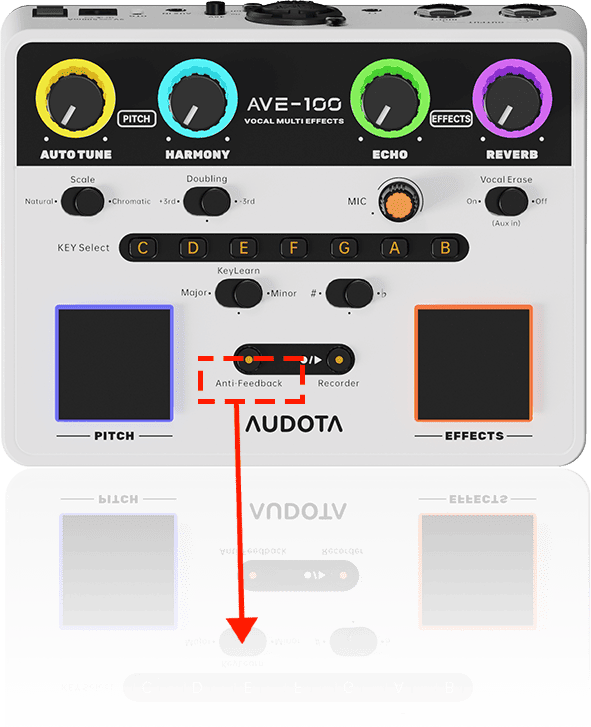
●Three-level intelligent anti-feedback system effectively solves noise issue.
●Two automatic pitch correction modes (natural scale and semitone mode).
●Three harmony modes.
●Comes with stunning delay and reverb effects.
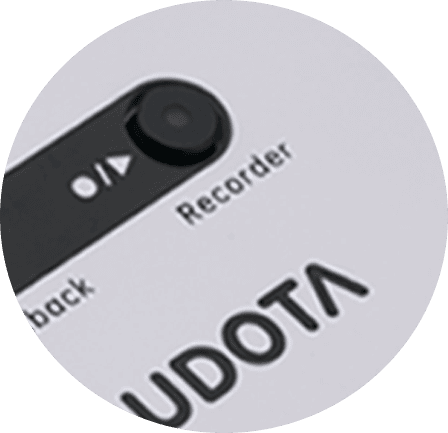
●Looper captures inspiration anytime easily.
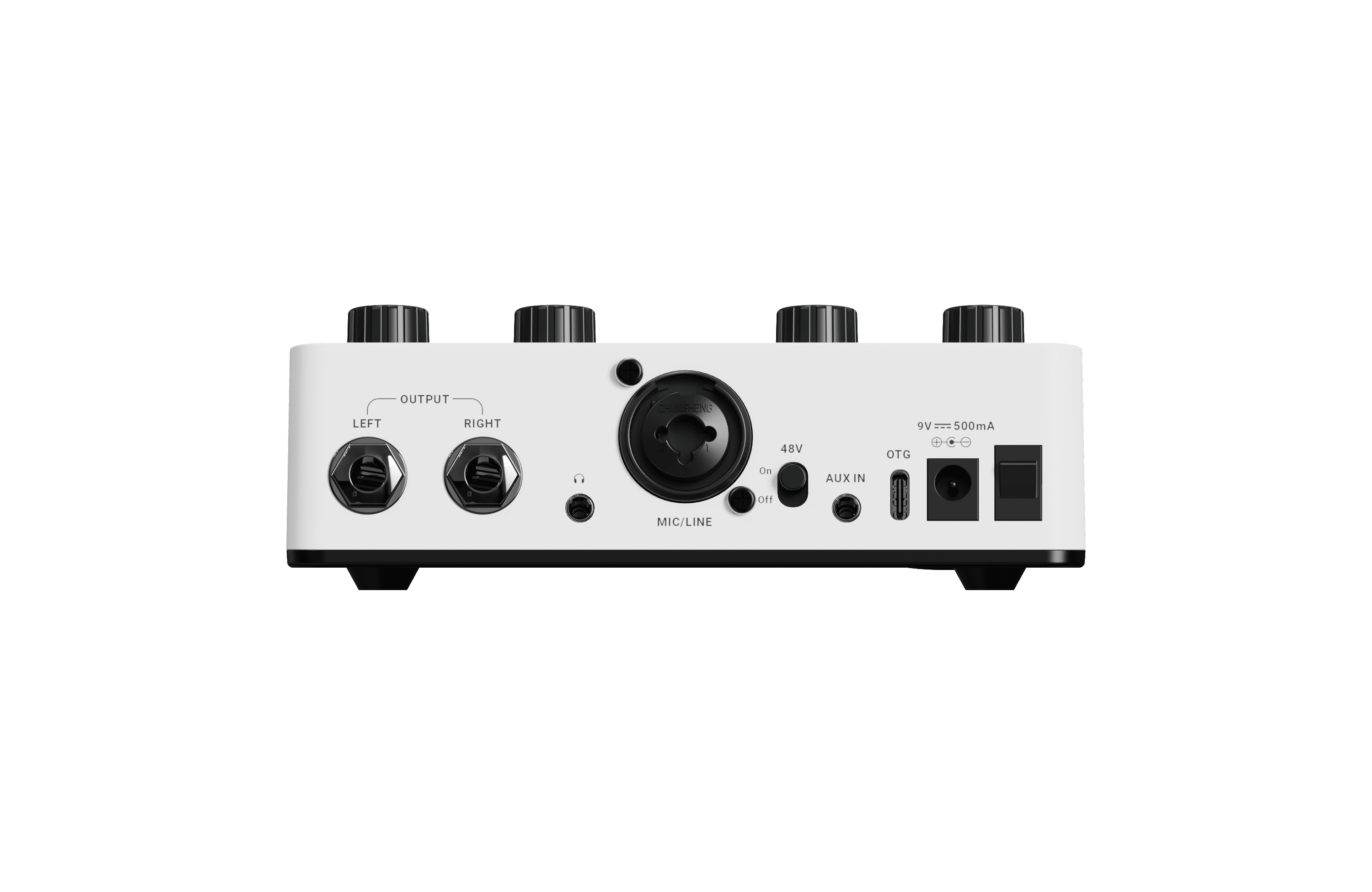
●Versatile input interface supports condenser microphones, dynamic microphones, and line-in signal.
●Designed for both desktop and floor-standing usage scenarios.
●Optional momentary and latch effect triggers for stage-level dynamic control.
●OTG function supports high-quality audio/video recording and live streaming applications.
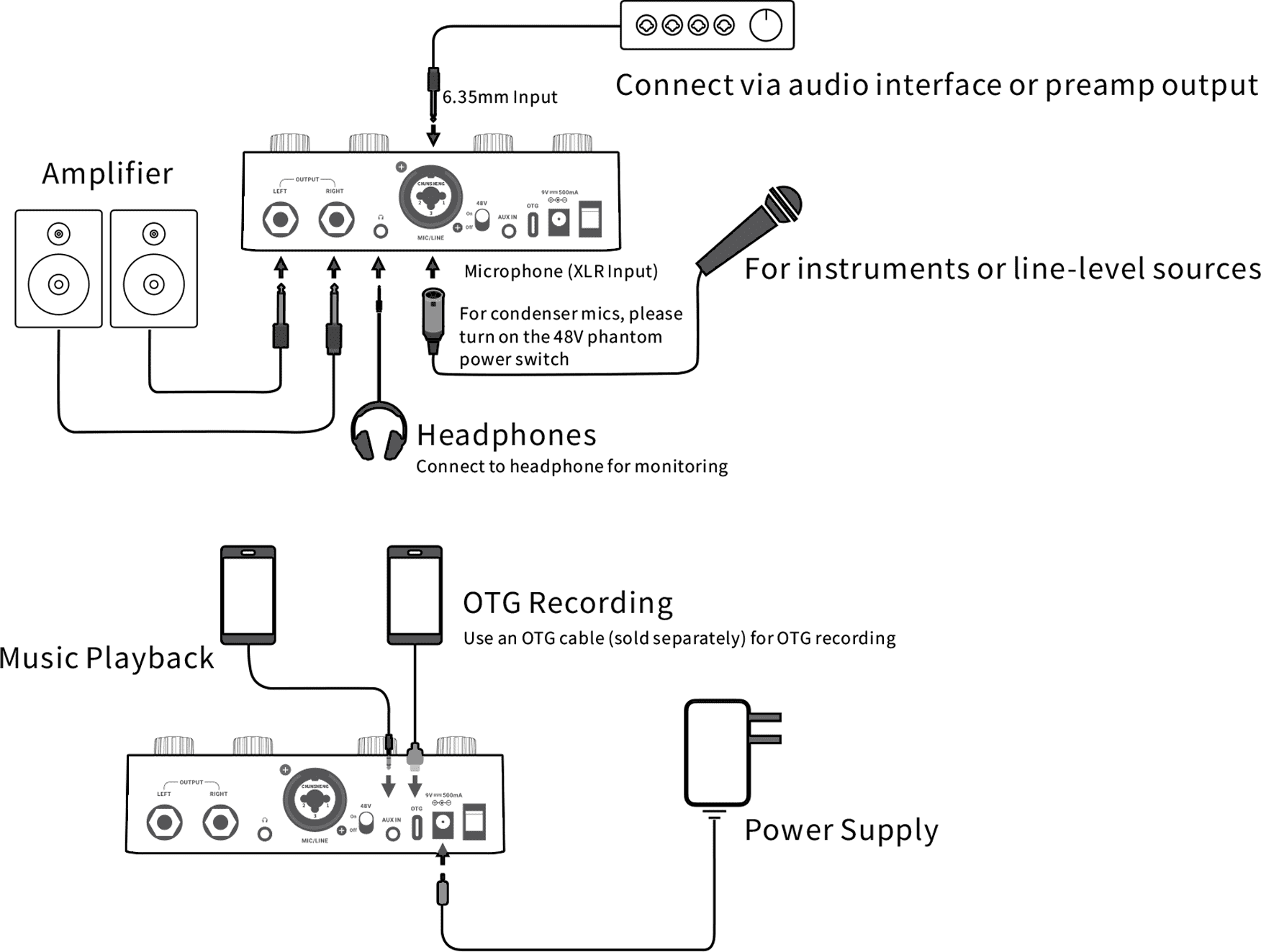
| Combo Input: | XLR input iack(2.14 kΩ impedance value) | |
| 6.35mm input jack(1MΩ impedance value) | ||
| Output: | 2x6.35mm mono output jacks(100Ω impedance value) | |
| Headphone out: | 1x3.5mm stereo jack(32 Ω impedance value) | |
| Power Requirement: | DC9V≥500mA, center-negative(Use original power adapter to avoid noise or interference) | |
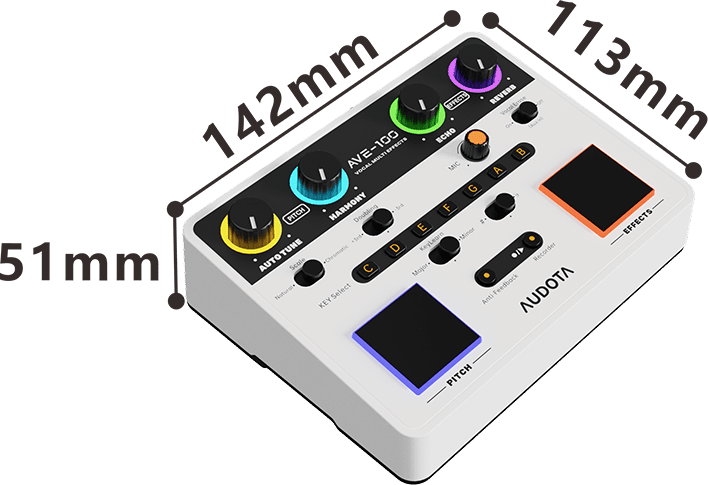
| Dimensions(mm): | 142mm(L)X113mm(W)X51 mm(H) | |
| Weight: | 320g | |
●Press and hold the Anti-Feedback and Recorder keys while powering on the device to enter update mode. Connect the device to your PC via a USB cable for firmware update.
●After connecting the device to the PC with a USB cable, click Start to begin the update.
●Optimized microphone compression parameters to fix issues of instantaneous volume drop and abnormal gain during ·high-dynamic singing, delivering a more natural and consistent overall dynamic performance.
●Increased the maximum volume and decay value of reverb effects by approximately 20%, enhancing spatial presence to meet demands for heavier reverb.
●Optimized the latency and signal chain logic of AutoTune, improving real-time pitch correction response and stability.
●Updated AutoTune with the Electric mode for better electrified vocal styles and faster pitch correction.
●Fixed the issue where chromatic and diatonic scales failed to take effect on AutoTune. Also improved the accuracy of Key Learning and the performance of the three harmony modes.
Features
Specifications
Downloads
●6.35/XLR input interface, professional-grade microphone preamp, supports 48V phantom power, compatible with various types of microphones
●Two auto-tune vocal correction modes to assist with pitch accuracy, three harmony modes to enhance vocals
●Stereo Echo and Reverb delay effects to create spatial and atmospheric effects
●AI automatic key recognition feature with 12 major and minor key options to quickly and accurately determine the key
●Aux in interface with intelligent vocal removal function, eliminating the hassle of finding accompaniment
●Intelligent feedback suppression function, one-touch activation, adding reliability to stage performances
| Combo Input: | XLR input iack(2.14 kΩ impedance value) | |
| 6.35mm input jack(1MΩ impedance value) | ||
| Output: | 2x6.35mm mono output jacks(100Ω impedance value) | |
| Headphone out: | 1x3.5mm stereo jack(32 Ω impedance value) | |
| Power Requirement: | DC9V≥500mA, center-negative(Use original power adapter to avoid noise or interference) | |
| Dimensions(mm): | 142mm(L)X113mm(W)X51 mm(H) | |
| Weight: | 320g | |

Tel:+86 19928716847
Sales Email:marketing@audota.com
Service Email:support@audota.com
Company Address:2008 Huafeng International Business Building, No.4018, Bao'an Avenue, Yantian Community, Xixiang Street, Bao'an District, Shenzhen, China





 粤公网安备44030002006862号